
Ordering Your Team Uniform
Account Access
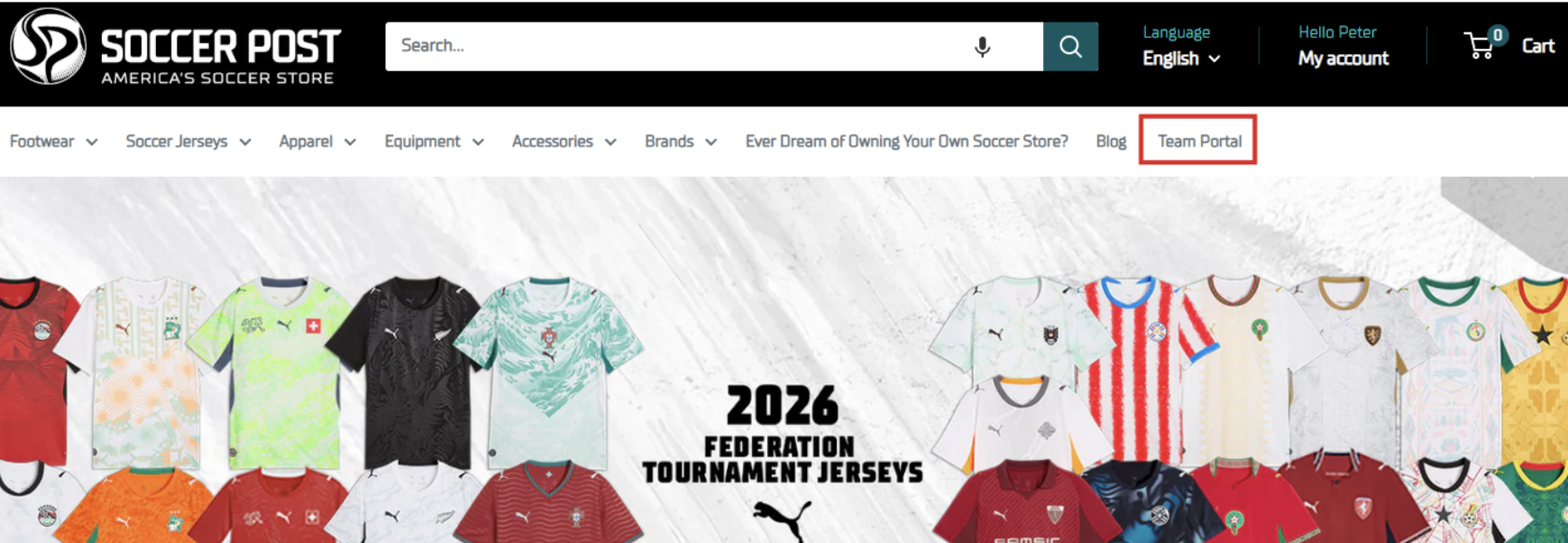
Visit SoccerPost.com and click on the Team Portal link in the Navigation or click on the Shop Now button in your invitation email
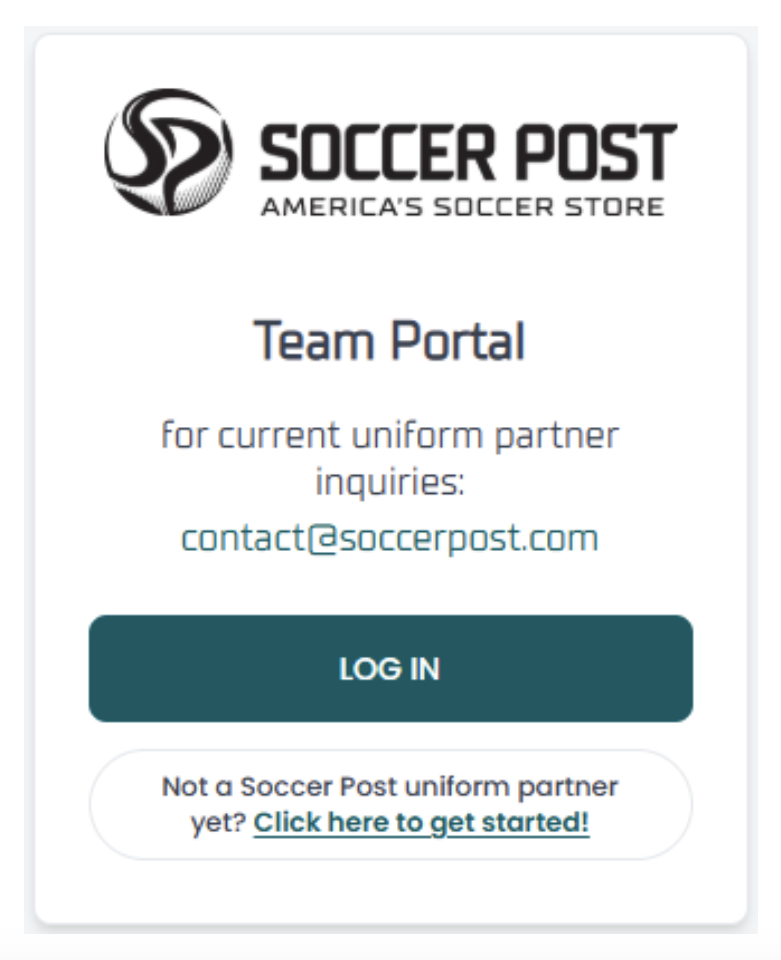
Sign in to your account using the email that received your invitation
Enter your email address
Enter the 6-digit code that was sent to that email address
Uniform Collection
You will be greeted with your complete uniform offering with item requirements listed on each piece.
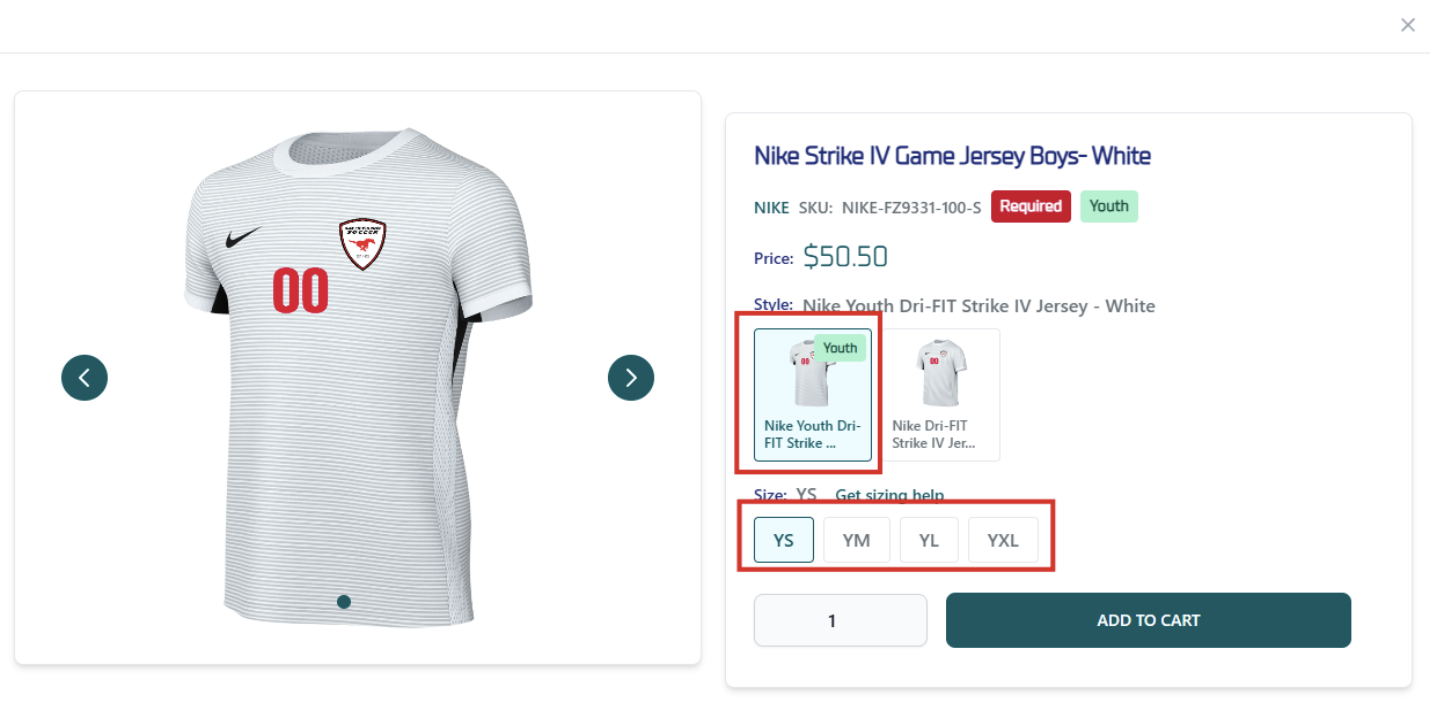
Click on the “Quick View” button for the items you would like to order
Select the correct Youth, Women’s or Adult style and Choose your size
Click Add To Cart
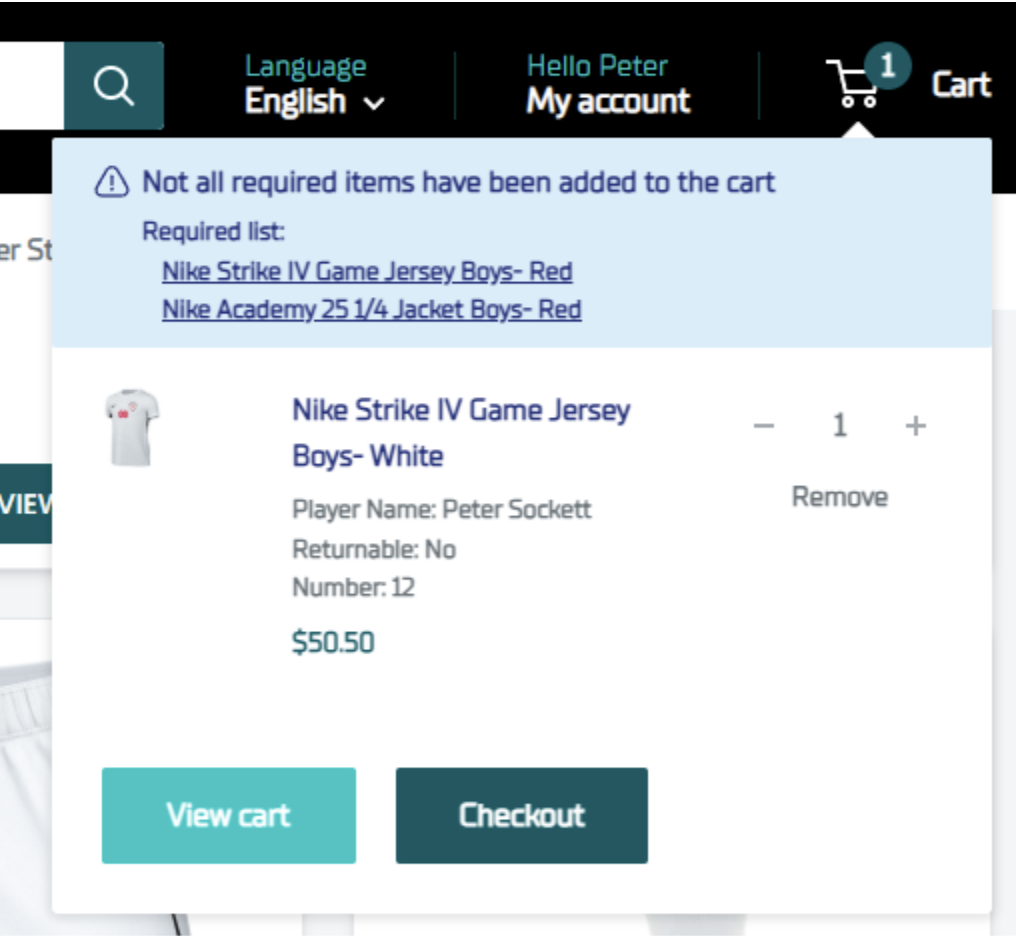
Your Cart will display the items you have selected as well as any required items that are not yet in your cart
Continue to Checkout once you have made all of your selections
Checkout
Choose from shipping or free store pick-up options
Enter your Shipping information if not already populated from your Shop account.
Enter your Payment information if not already populated from your Shop account.
Agree to disclaimers
Click Pay Now to complete your order